Employee Departments
In Employee Departments, you add the departments to compartmentalize your employees to the departments in which they work.
Note: For those employees who work for more than one department at different pay rates, you can set that up in Job Classifications.
-
Go to the Online Options site and log in as an admin or with the proper permissions.
-
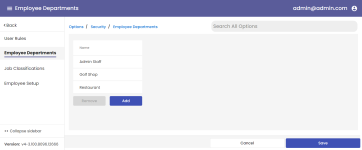
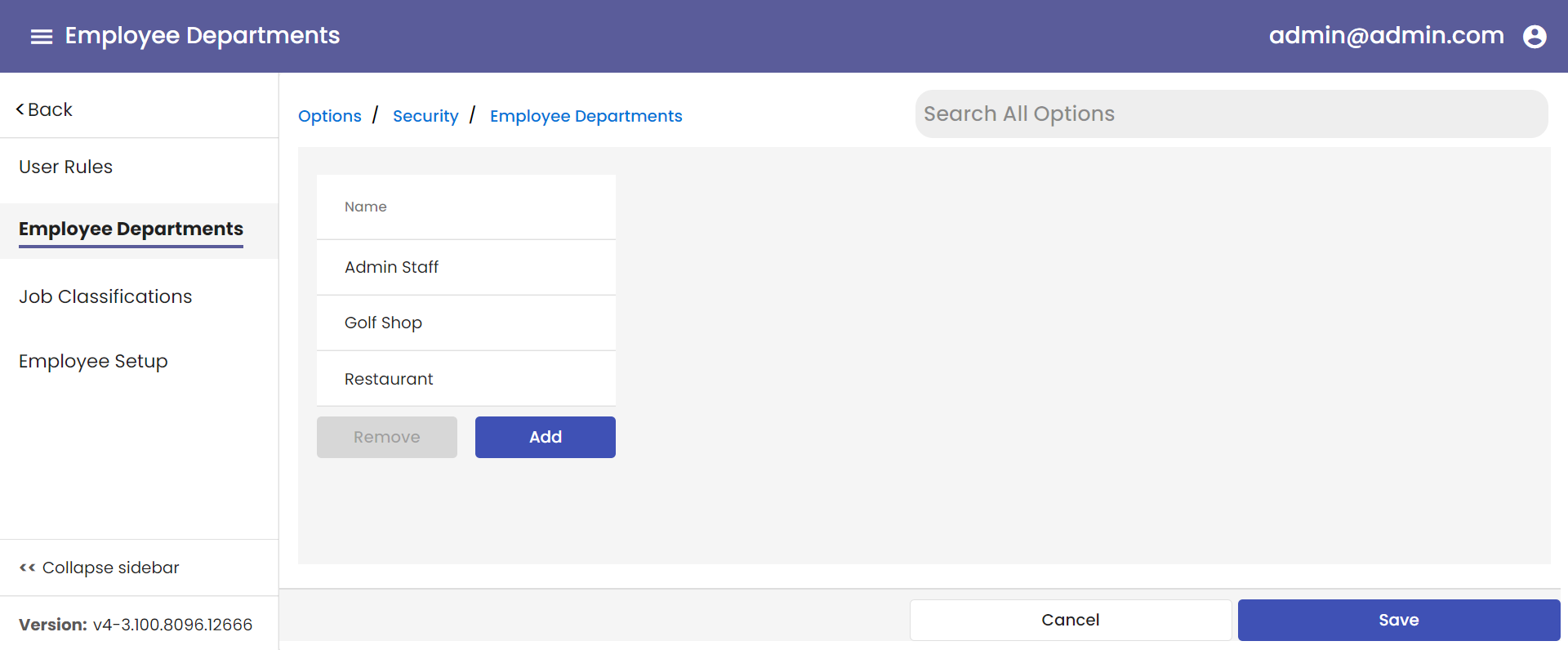
Under the Main hamburger menu, select Options then Security then Employee Departments. The Employee Departments screen displays.
-
Select the Add button. The Employee Department pop-up displays to the right.
-
Enter a descriptive name for this department in the second field down, the Employee Department Description field.
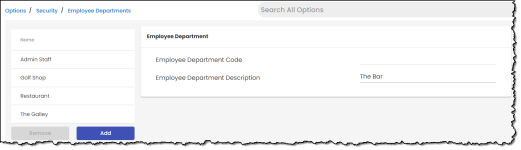
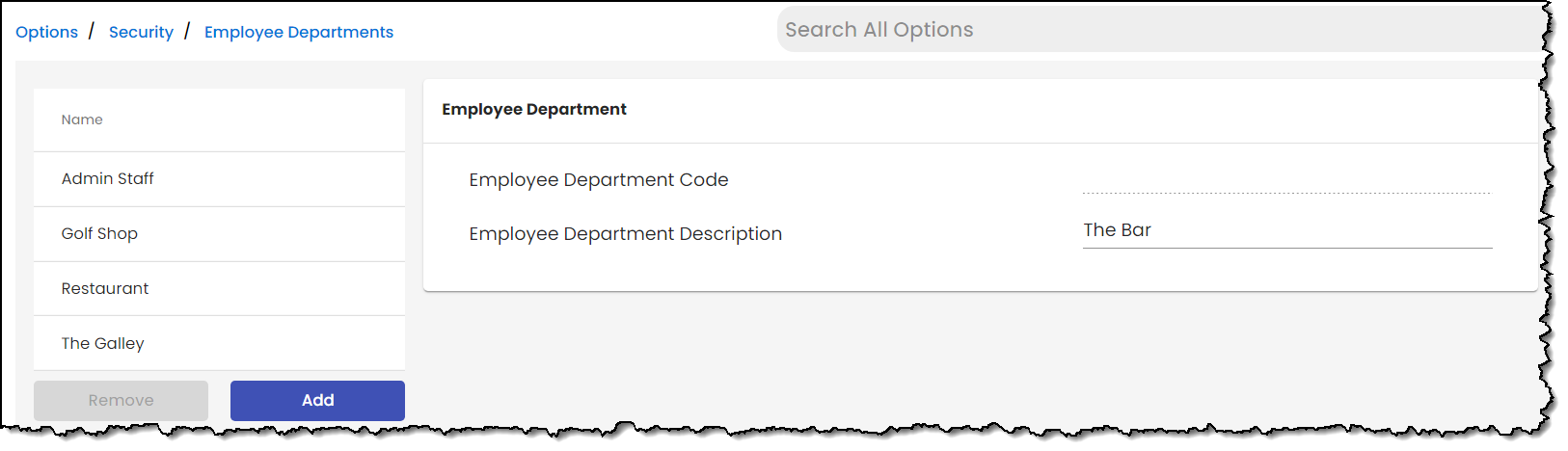
Note: The first field, Employee Department Code is populated after you click Save by the system with a number.
-
Select Save when done. The pop-up remains and the new department is listed under the Name header.
Note: To remove a department, select it from the list and click Remove.