New residency ID.me validation PBI report
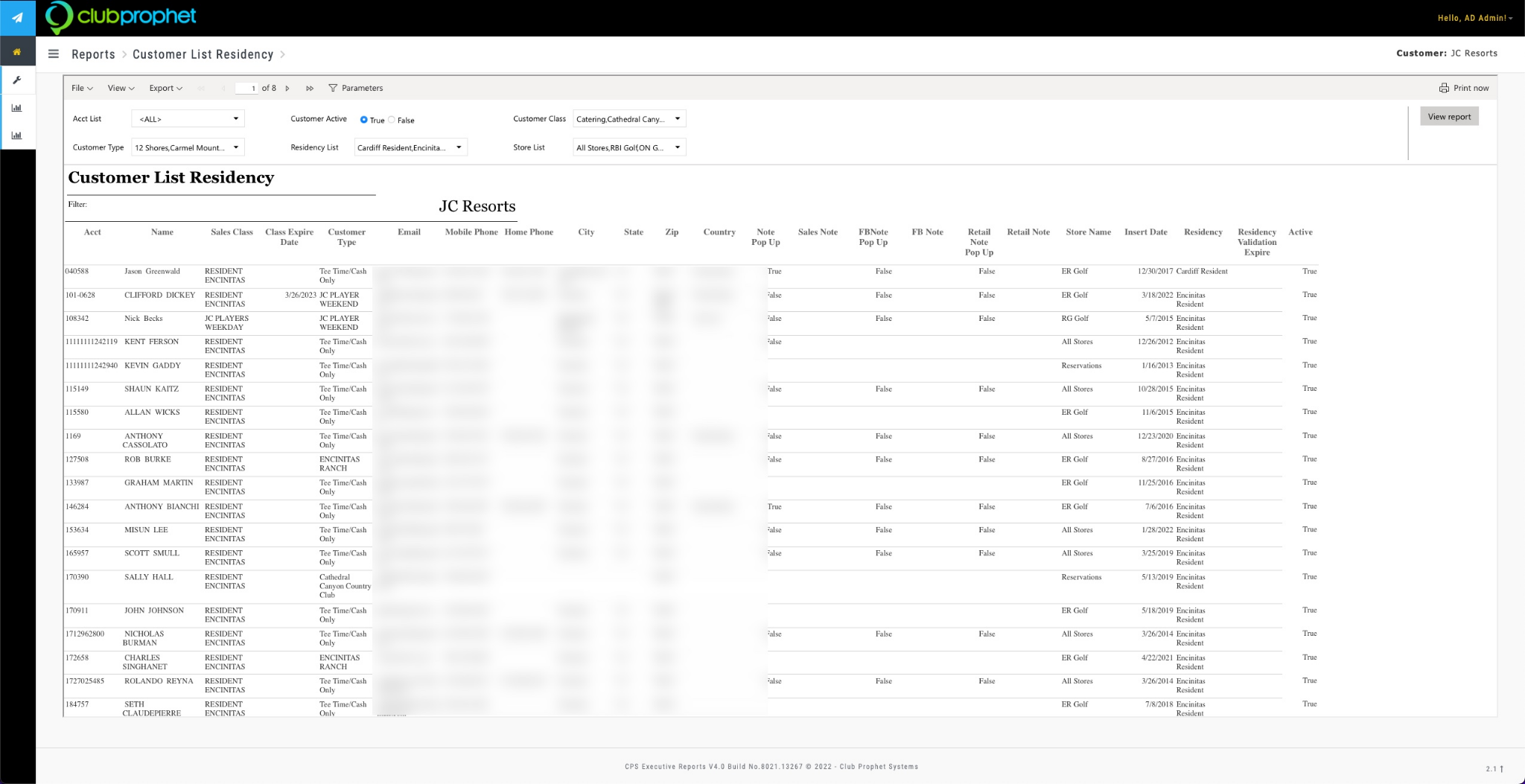
In version 3.100, we created a PBI report that allows you to filter customers who successfully registered their residency through ID.me called Customer List Residency.
To set up the Customer List Residency report
-
Log in to your PBI site. The Dashboard displays.
-
Select the Hamburger menu, then select Reports to the left of the screen.
-
Select Manage Report on the left side. The Manage Report Screen displays.
-
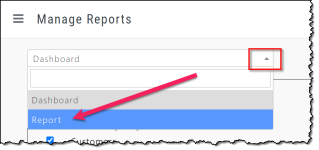
From the drop-down at the top of the screen select Report.
-
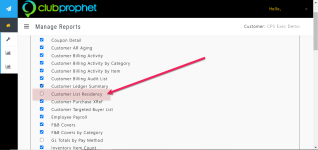
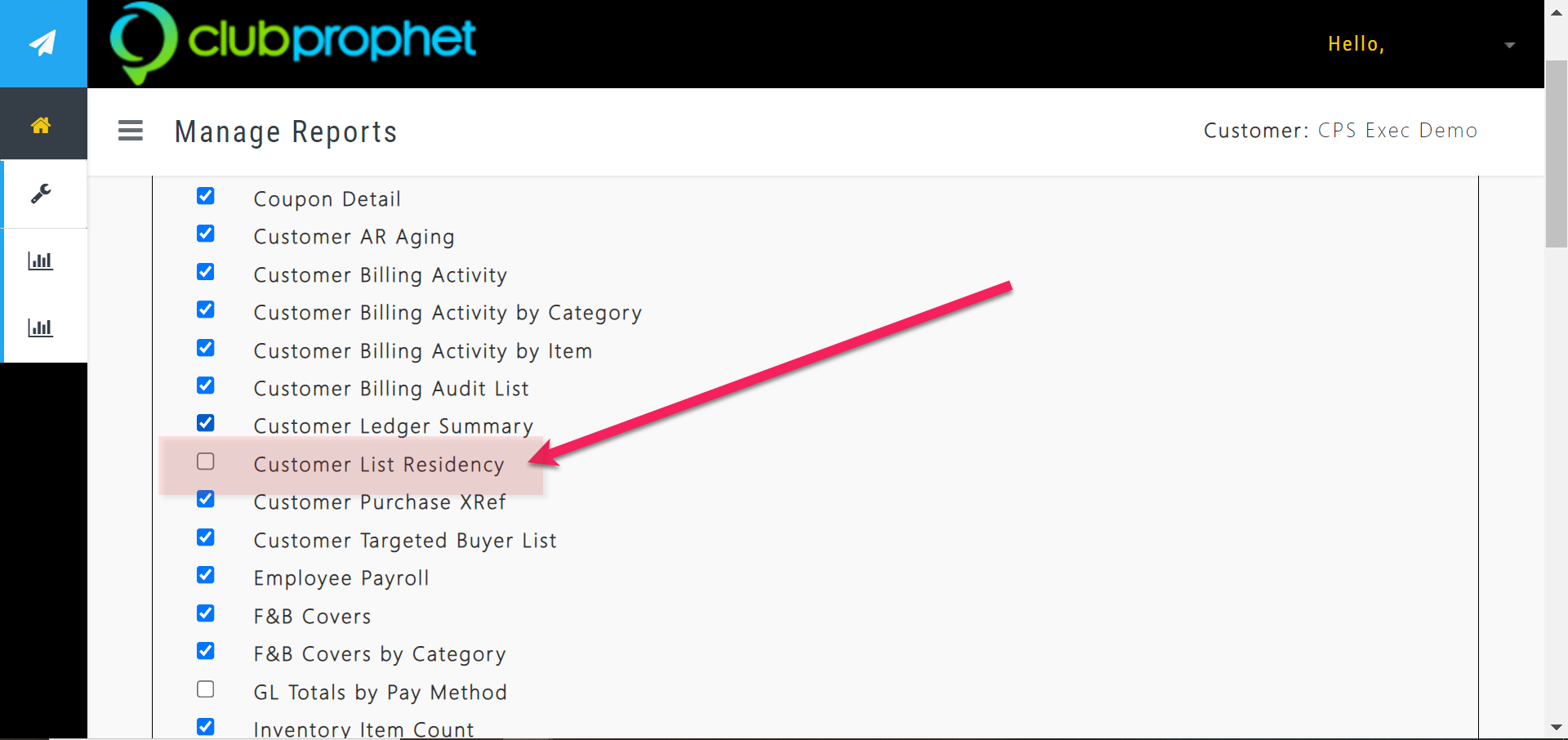
From the list of reports, select the Customer List Residency checkbox.
-
Scroll all the way to the bottom and select Save and Sync. The next time you look under Reports from the hamburger menu, you’ll see the report listed.
Related Topics
-
For the Overview of PBI Reports, click here>>